Description
Typeface helps you pick the perfect font from your collection.
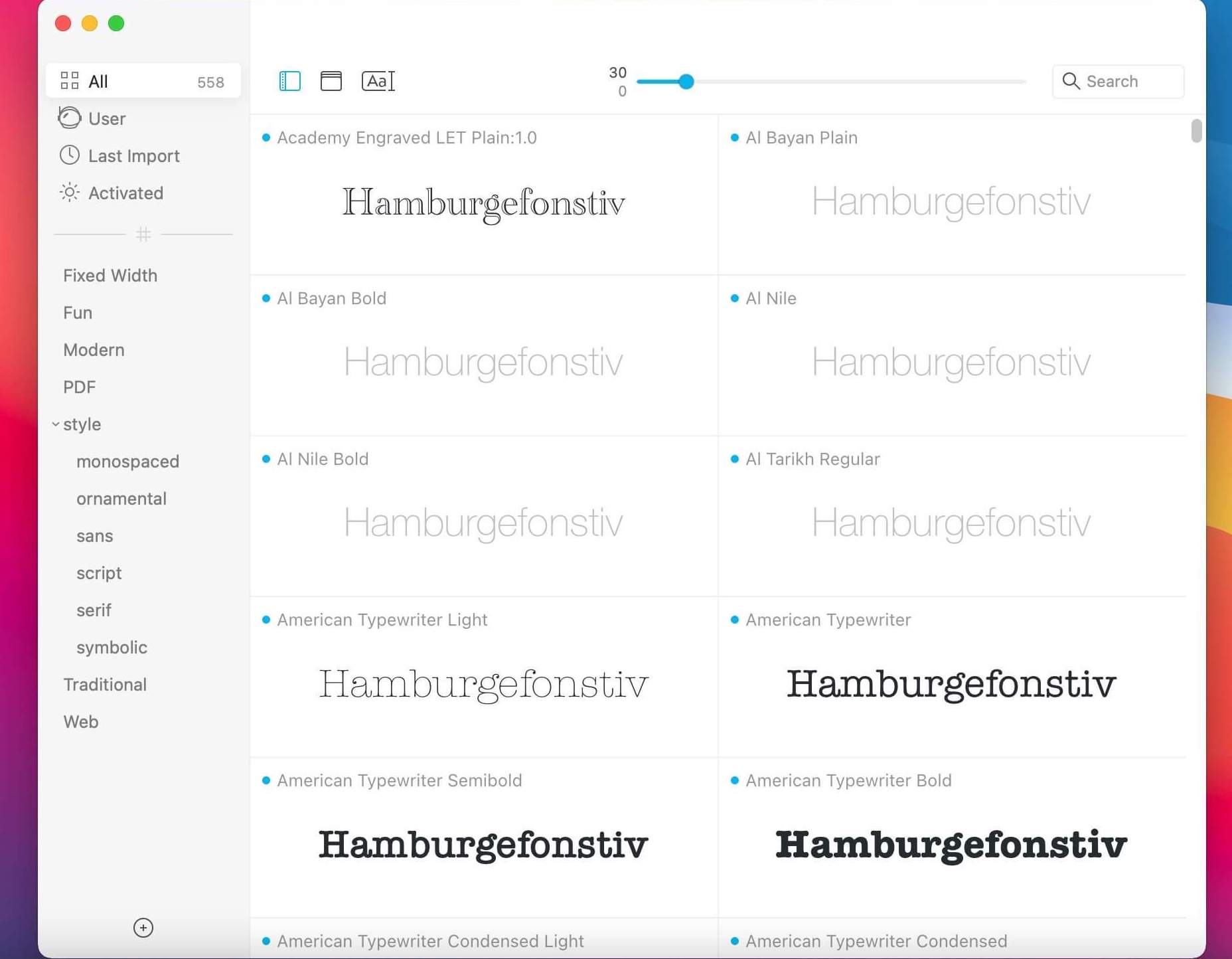
Typography can be beautiful and is one of the most important aspects of design. But it is often hard to find the font that conveys just the right emotion, especially if you’re not sure what you’re looking for. With a minimal interface and total focus on your fonts Typeface tries to make browsing your collection exciting and easy, such that you can find the perfect font for your needs. Enter any text you like to preview and discover all the delicate curves and love typographers have put in their typefaces.
Version 2.1.0: Added Google Fonts sync. Import them in Preferences > Import > Import Google Fonts Added .bmap extension (requires suit file in same directory) Copy font path in context menu by holding down Option Fonts are removed from Typeface when they’re moved to the Trash Show main window when in background mode and the app is opened again Font names should have correct display names instead of PostScript name Swipe with two fingers now also works on magic mouse Various Mojave fixes, including crashes when dragging fonts Fixed crash when location is removed while a font in that location is viewed in detail view
OS X 10.10 or later, 64-bit processor
Screenshots