Description
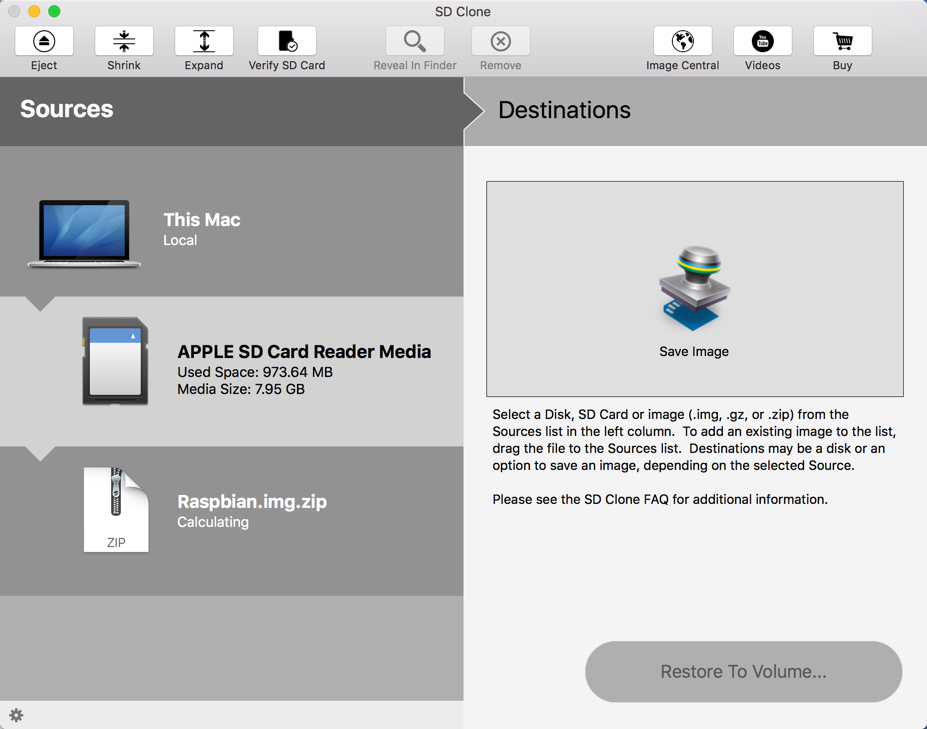
SD Clone is the best tool to clone SD card directly to your Mac. Easily make backups of any information on SD cards and SD cards easily restore other. If you create many SD cards with the same information, SD Clone can write to multiple SD cards simultaneously, making it the fastest tool to prepare SD cards.
If you use SD cards Raspberry Pi projects, SD Clone can reduce the size of the file system to a minimum size. This accelerates the cloning and restoration. Clone SD SD cards can also check to detect fake SD cards so you can rely on SD cards you already own.
Select an SD card as the source and clone an image file. Or select an image file as the source and clone an SD card.
Optimized for fast cloning up to 8 SD cards simultaneously.
Reduce the file system on the SD card to clone smaller SD cards. Create an image of any SD card.
Get images from the SD card from SD Clone.
The verification tool protects against counterfeit or bad SD card.
– Clona images on SD cards – SD Card Save images – Clona images to multiple SD cards simultaneously – Download and clone images of Raspberry Pi SD Card – Check SD – Reduce SD cards and pictures to clone smaller cards
Version 3.0.2: Release notes were unavailable when this listing was updated.
OS X 10.9 or later, 64-bit processor
Screenshots