Description
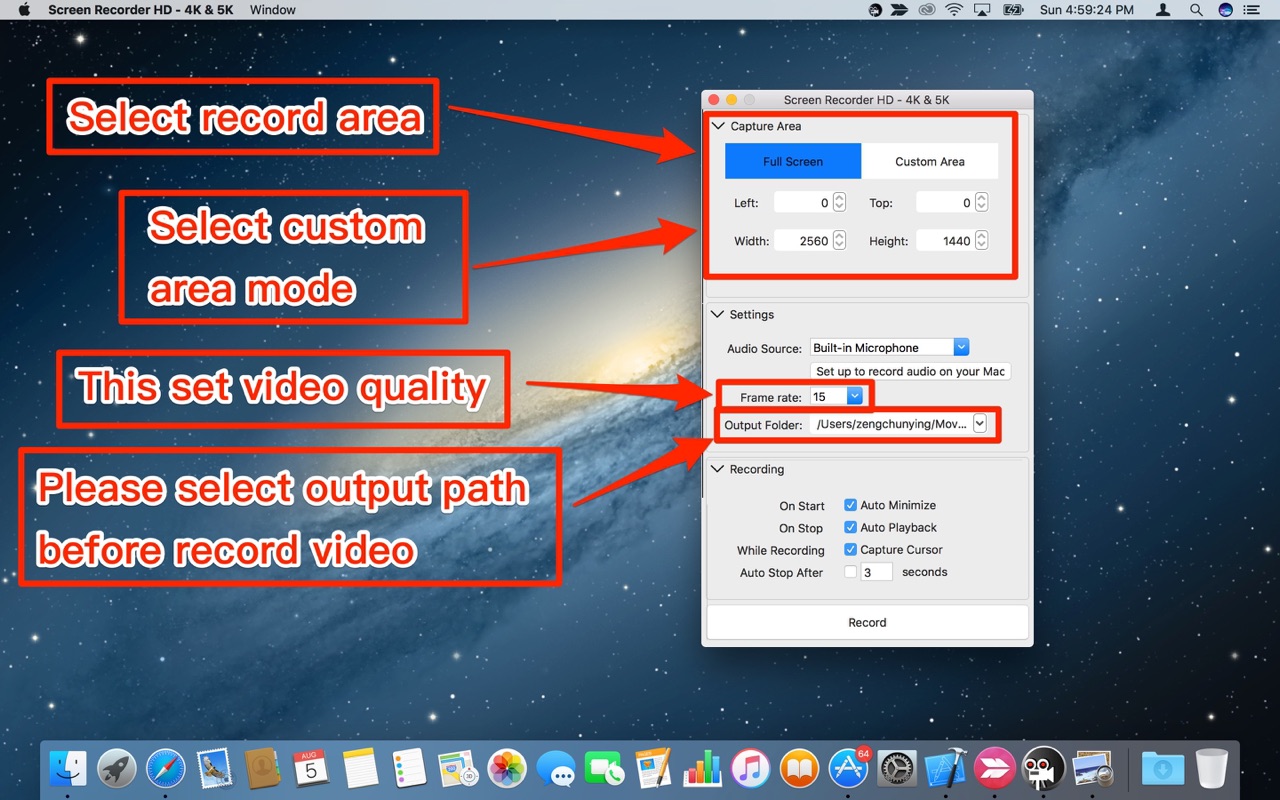
To get started, please follow the steps shown below: 1. Launch the app and a setting window will open.
2. Change the settings as you want: • Select an area for recording. • Change the video frame rate. • Choose a save path. • Check “Capture Cursor” if you want to capture your mouse clicks during screen record. The output video will show the “Click” with a circle graph. • Select your “Audio Source” for recording.
3. To stop recording, please click “Stop” from the menu bar or press stop button from the main window.
Version 2.1.2: Added new function - Auto Playback.
OS X 10.7 or later, 64-bit processor
Screenshots