Description
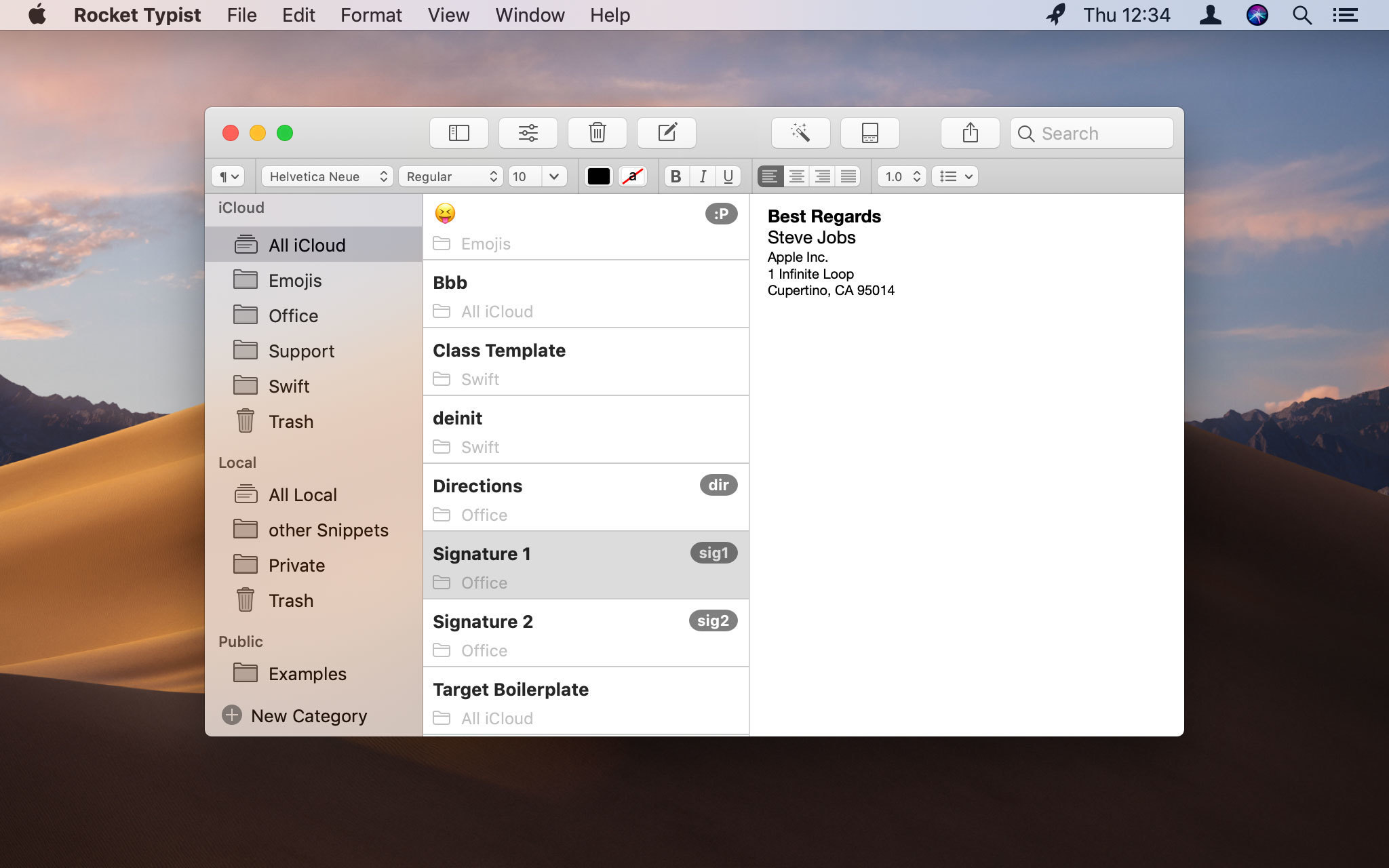
Rocket Typist is a modern Mac application, created with simplicity in mind. During a regular day, most of us type the same text over and over again, wasting an enormous amount of time in the process. Why not let your computer do some of that work for you? Once you have collected your snippets, you will never have to type them again. Here are just a few examples:
Version 2.1: New Features: Support for keyboard layouts other than QWERTY, (e.g. Dvorak) has been added. You can now rearrange the order of the options in a dropdown macro using drag and drop. A search field has been added above the list of snippets that you see with a category shortcut. Abbreviations now also expand at the end of a word without having to type the abbreviation separately. This has to be activated in the abbreviations preferences. Category shortcuts are now being displayed next to the title in the sidebar. You still edit them in the category settings. Searching for snippets in the menubar or snippet lists is now much faster. The Chinese localisation has been redone from scratch. The background of plain text snippets is now dark in macOS Mojave's Dark Mode. Formatted text background remains white. The license GUI has been improved. (Website Version only) Bug Fixes: Adding a new macro could crash the app. Category shortcuts did not always work if Rocket Typist has not been used after a restart. Colons and equal signs could not be used in textfield and dropdown macros. Exporting snippets could crash the app in some cases. For some users the app crashed after launch. In some cases the iCloud section could have multiple ‚All Snippets‘ and ‚Trash‘ categories. In some cases the snippet menu did not appear next to the mouse pointer. Switching between macros quickly could crash the app. The app could crash when using category shortcuts. The import of snippets could crash the app. Using Rocket Typist with some third party apps sometimes inserted parts of the clipboard content. Using abbreviations with Chinese or Japanese keyboards resulted in too many or not enough text characters being removed. Using snippets with multiple unlabeled macros of the same type could crash the app.
OS X 10.11.5 or later, 64-bit processor
Screenshots